
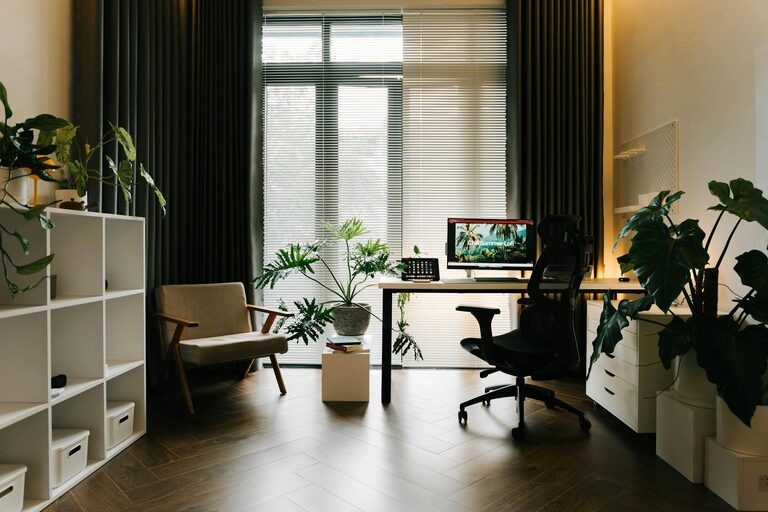
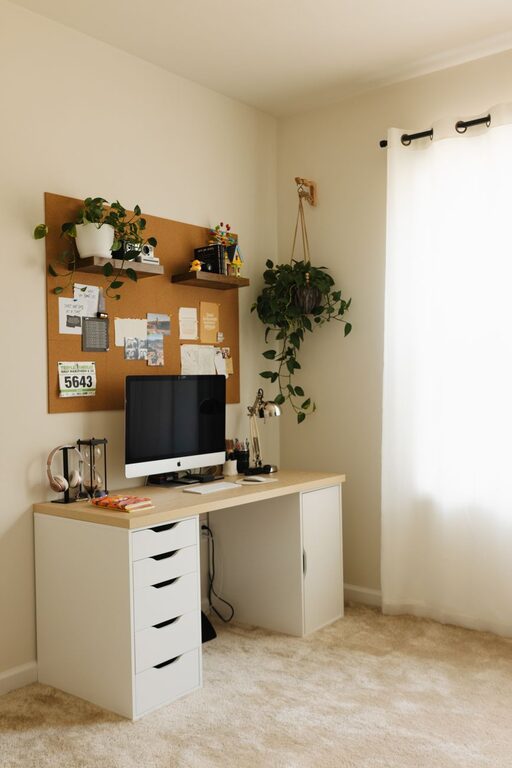
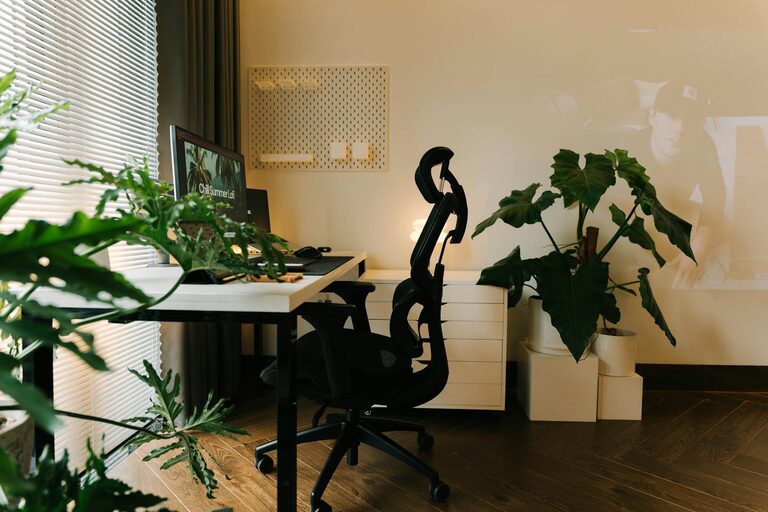
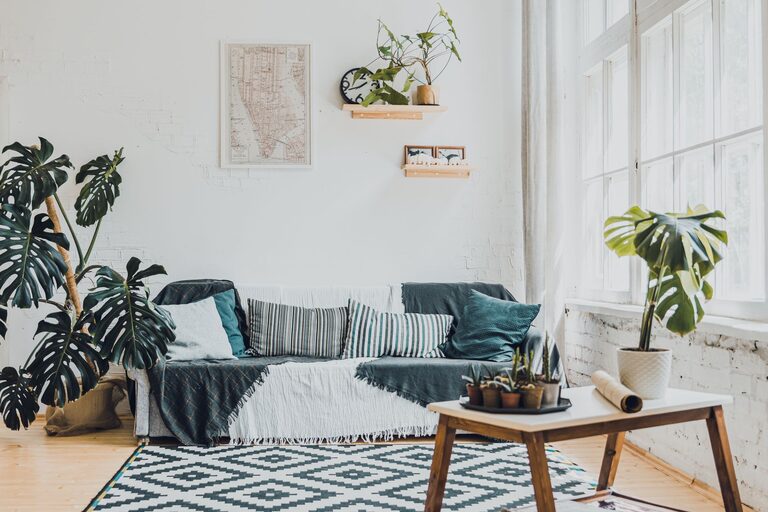
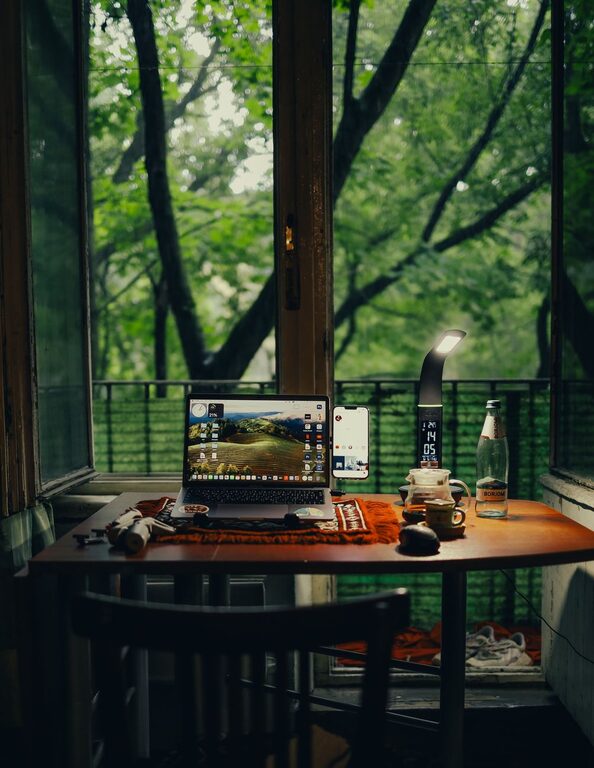
Creating a home workspace that is both inviting and functional is essential for anyone working remotely or juggling tasks at home. A well-designed workspace can improve focus, reduce stress, and increase overall productivity. Whether you have a dedicated room or a small corner, these tips will help you turn any space into an efficient and comfortable work area.
Choose the Right Location
Selecting the right spot in your home is the first step in building an effective workspace. Ideally, pick an area with minimal distractions and enough room for your essential tools.
– Natural light: Position your desk near a window to benefit from daylight, which can boost mood and concentration.
– Quiet environment: Avoid high-traffic or noisy areas to maintain focus during work hours.
– Space for movement: Ensure there’s enough room to move around comfortably, preventing feelings of confinement.
Invest in Comfortable Furniture
Comfort plays a big role in staying productive and avoiding physical discomfort during long work sessions.
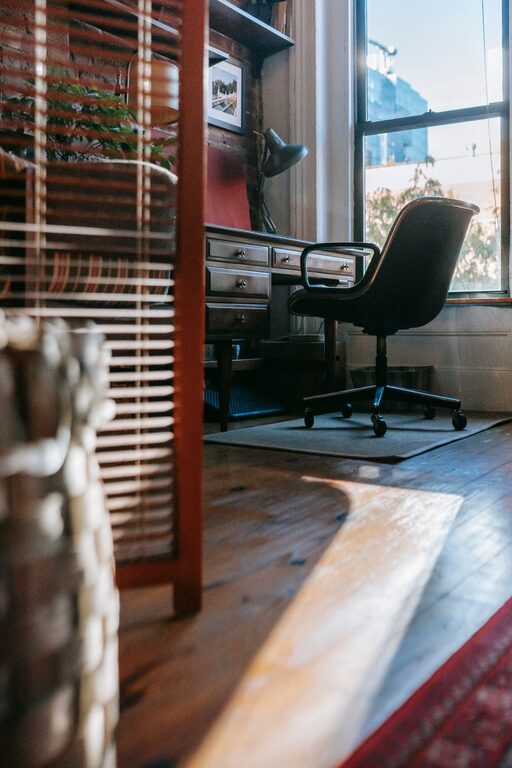
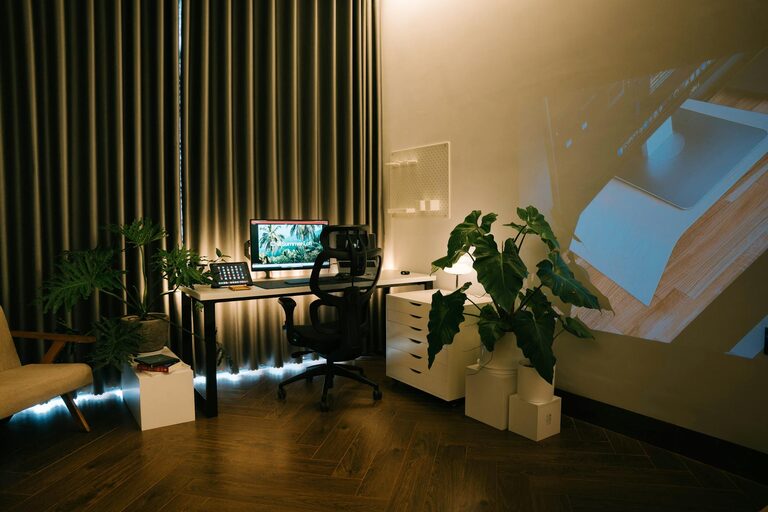
– Ergonomic chair: Choose a chair with adjustable height, lumbar support, and comfortable cushioning.
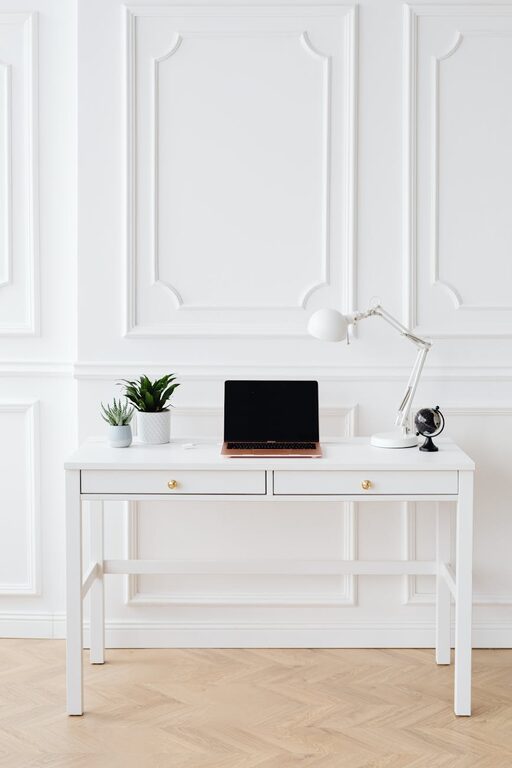
– Suitable desk: Select a desk that fits your space and provides enough surface area for your computer, documents, and other work items.
– Proper monitor height: Use monitor stands or adjustable desks to keep your screen at eye level and reduce neck strain.
Maintain Good Organization
A clutter-free workspace helps keep your mind clear and tasks manageable.
– Storage solutions: Use shelves, filing cabinets, or drawer organizers to keep supplies tidy.
– Minimal clutter: Only keep essential items on your desk to avoid distractions.
– Cable management: Use cable clips, ties, or sleeves to organize cords and prevent tangling.
Personalize Your Space
Adding personal touches can make your workspace more inviting and motivating.
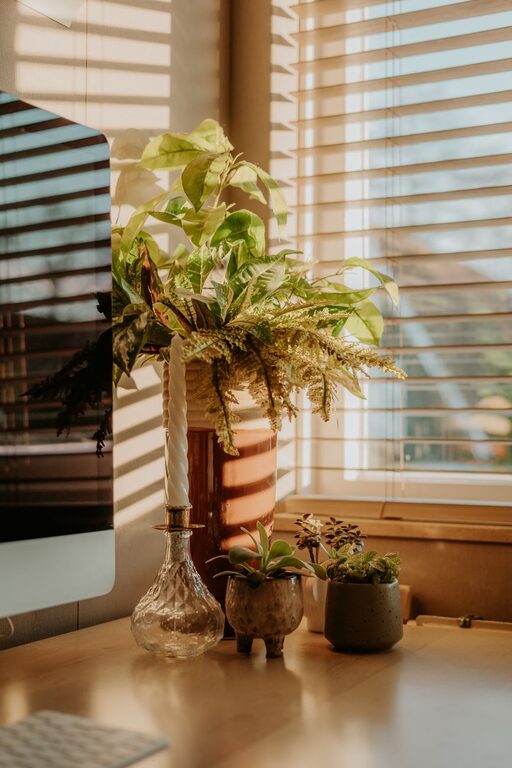
– Plants: Incorporate indoor plants to improve air quality and add a touch of nature.
– Artwork or photos: Display pictures or art that inspire you without overwhelming the area.
– Color scheme: Choose calming or energizing colors depending on your preference and the type of work you do.
Optimize Lighting
Proper lighting is vital for reducing eye strain and creating a pleasant environment.
– Combine natural and artificial light: Use daylight when possible, but also include adjustable lamps for evening work.
– Avoid glare: Position screens and lights to minimize reflections on your computer monitor.
– Use warm lighting: Warm-toned bulbs can make the space feel cozy and inviting.
Set Clear Boundaries
Distinguishing your workspace from relaxation areas helps maintain work-life balance.
– Dedicated work hours: Stick to regular work times to separate professional tasks from personal time.
– Define your workspace: Use rugs, room dividers, or specific furniture arrangements to mark your work area.
– Communicate with household members: Let family or roommates know your schedule to minimize interruptions.
Incorporate Technology Wisely
Having the right technology setup can streamline your work and reduce frustration.
– Reliable internet connection: Ensure your Wi-Fi is strong and stable to avoid interruptions.
– Quality peripherals: Use a comfortable keyboard, mouse, and headset to enhance usability.
– Backup solutions: Consider cloud storage or external drives to protect your important files.
Keep Healthy Habits in Mind
Your workspace should support not only productivity but also your well-being.
– Take breaks: Set reminders to stand, stretch, and rest your eyes regularly.
– Stay hydrated: Keep a water bottle nearby to encourage regular drinking.
– Adjust posture often: Change your sitting or standing position to avoid stiffness.
Final Thoughts
Designing a home workspace that is both welcoming and practical takes some planning but pays off in increased comfort and productivity. By applying these tips, you can create a space that suits your needs, enhances your work experience, and makes the home office feel like a place where you want to spend time. Remember, the best workspace is one that reflects your personal style while supporting your daily tasks efficiently.